
Mac Hosting: Dedicated Mac mini Servers for Build, Render and AI
Casbay hosts dedicated Mac mini M4 and M6 machines at its data centre in Malaysia, with each machine assigned to one user. Connect over screen sharing or SSH from Singapore and across Southeast Asia, with no shared virtual machines.
- Genuine Apple hardware. One Mac mini, one customer, never shared.
- MacOS admin access. Install Xcode, Final Cut Pro, Ollama or anything you need.
- 99.9% uptime. Reliable performance for development, automation and demanding workloads.
Mac mini M6
Latest generation for heavy renders and local AI
Fixed address for whitelisting, CI and APIs
Not sure which Mac fits?
Open a ticket and our team replies 24x7x365.
5 Reasons to Choose Mac Hosting with Casbay
You don’t need to buy or maintain Apple hardware locally. Your cloud Mac can be accessed remotely and used for software development, automation, running AI agents, or working in a separate macOS environment whenever you need it.
Dedicated Hardware
Each Mac mini is assigned to one user and runs independently, without sharing hardware resources with other users.
Full macOS Environment
Access a complete macOS environment and use the applications you need, including Xcode, Final Cut Pro and other Apple software.
Remote and Always On
Connect to your Mac remotely whenever you need it. It stays powered on, so there’s no need to leave a Mac running at home or in your office.
Static IP
A static IP provides a consistent address for remote access.
Flexible for Development and Automation
Use your Mac mini for software development, CI/CD pipelines, automation tasks and other macOS-based workloads.
How People Use Mac Hosting Every Day
Tell us who you are. Tap an app in the dock to see how a dedicated cloud Mac fits into your daily work.
A Cloud Mac for App Developers
If you build for iPhone, iPad or Mac, you need macOS. Xcode, the iOS Simulator and Apple's code signing tools only run on Apple hardware. A hosted Mac mini gives you all of that without buying a machine for every person on the team.
Your own build server
Connect your Mac to GitHub Actions, GitLab CI, Jenkins or Fastlane. It can compile, test and sign every commit while you keep coding.
Because the hardware is dedicated, build times stay predictable. No noisy neighbours slowing things down on release day.
Remote Development Across Platforms
Team members on Windows or Linux can connect through SSH and still ship native Apple apps.
With a static IP, you can whitelist your Mac on internal services, staging servers and APIs. It becomes a stable part of your pipeline.
Hosting in Malaysia keeps latency low for developers in Singapore, so screen sharing and Simulator sessions feel responsive.
A Rendering Mac for Video Editors
Editors love the Mac for Final Cut Pro, DaVinci Resolve and the media engine built into Apple silicon. Hardware accelerated ProRes, H.264 and HEVC encoding means exports finish faster.
Offload the long renders
Upload your project, start the export, then close your laptop. Come back later to a finished file.
Freelancers can work from a light notebook at a café while the Mac mini handles the heavy lifting.
Scale with your projects
Studios can give each editor a dedicated machine for a big job, then scale down when it wraps. No idle hardware sitting in a cupboard.
Need to transcode a batch of client files overnight? Set up a watch folder and let your Mac work while you sleep.
Remote editing shines for rendering, transcoding and review. For colour critical grading, keep a calibrated display at your desk.
A Dedicated Mac for Local AI Workloads
Apple Silicon combines CPU and GPU processing with unified memory, making Mac mini a practical platform for running local AI models, inference engines and AI agent frameworks. With support for Apple’s MLX framework and popular tools such as Ollama and LM Studio, you can build and operate AI workloads directly on macOS.
Run Open-Source AI Models Locally
Deploy open-weight language models without relying entirely on external AI APIs. Tools such as Ollama, LM Studio and Apple’s MLX let you download, load and run models directly on your Mac.
Depending on available memory, you can run models from several popular model families:
- LlamaLlama 3.1 and Llama 3.2 for general-purpose language tasks and lightweight AI applications.
- QwenQwen models for reasoning, coding, text generation and multilingual applications.
- DeepSeekDistilled reasoning models for problem-solving, programming and analytical tasks.
- GemmaLightweight models suitable for local assistants, summarisation and text processing.
Quantised models can reduce memory requirements, making larger models practical on machines with limited unified memory.
A home for AI agents
A dedicated Mac can stay online around the clock, run scheduled automations and control Mac apps that have no API.
Teams building AI features for iOS can test Core ML models on Apple hardware before shipping.
Your data stays on your own machine. For businesses handling customer information, that isolation is a real advantage.
Mac mini Plans for Mac Hosting
Both plans come with dedicated Apple hardware, full macOS access, a static IP, and our round the clock support team.
Mac mini M4
A proven, efficient choice for iOS builds, CI pipelines, automation and everyday macOS tasks.
- 10-core CPU · 10-core GPU
- 16-core Neural Engine
- 16GB unified memory
- 1 IP Address
- 100Mbps unmetered bandwidth
Mac mini M6
Our newest Apple silicon for heavier renders, larger AI models and teams that want extra headroom.
- 12-core CPU · 12-core GPU
- Dual 16-core Neural Engine
- 16GB unified memory
- 1 IP Address
- 100Mbps unmetered bandwidth
Want to compare Apple's own hardware specs? See the official Mac mini page on Apple.com.
Ready to Try Mac Hosting?
Get your dedicated Mac mini set up and start working remotely.
Real People Behind Your Mac Hosting Plan
A cloud Mac is only as good as the team supporting it. Here is what you can count on from Casbay.
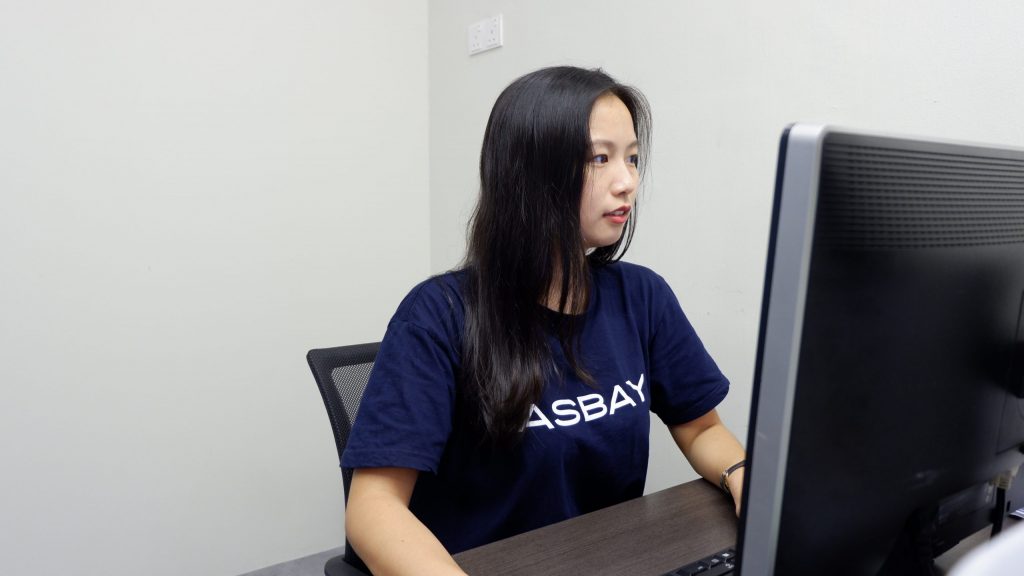
Technical and Sales Support
Reach us by support ticket, helpdesk or email, any time and any day.
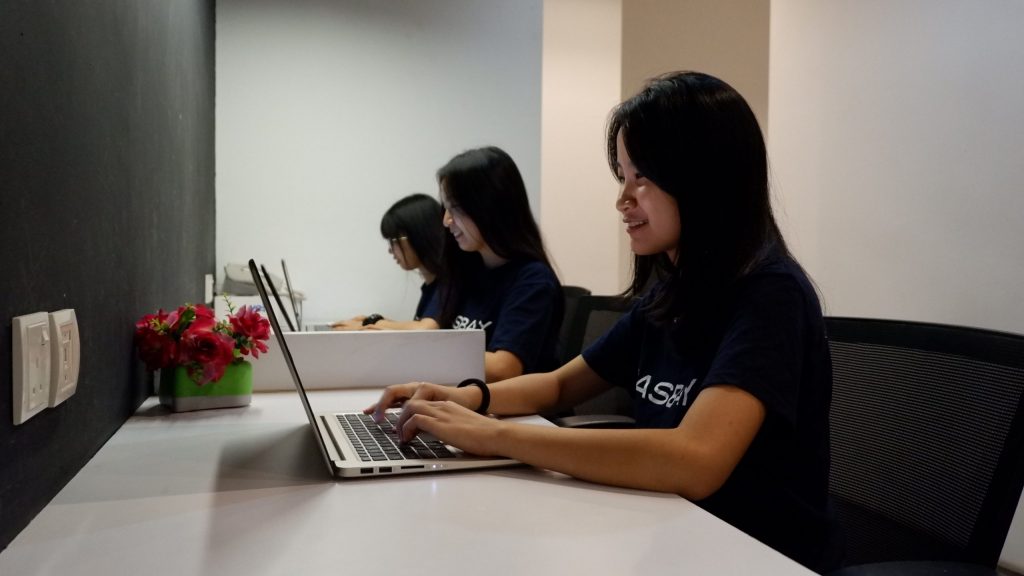
Options for Different Workloads
Choose from different Mac configurations to match your development, automation and computing requirements.
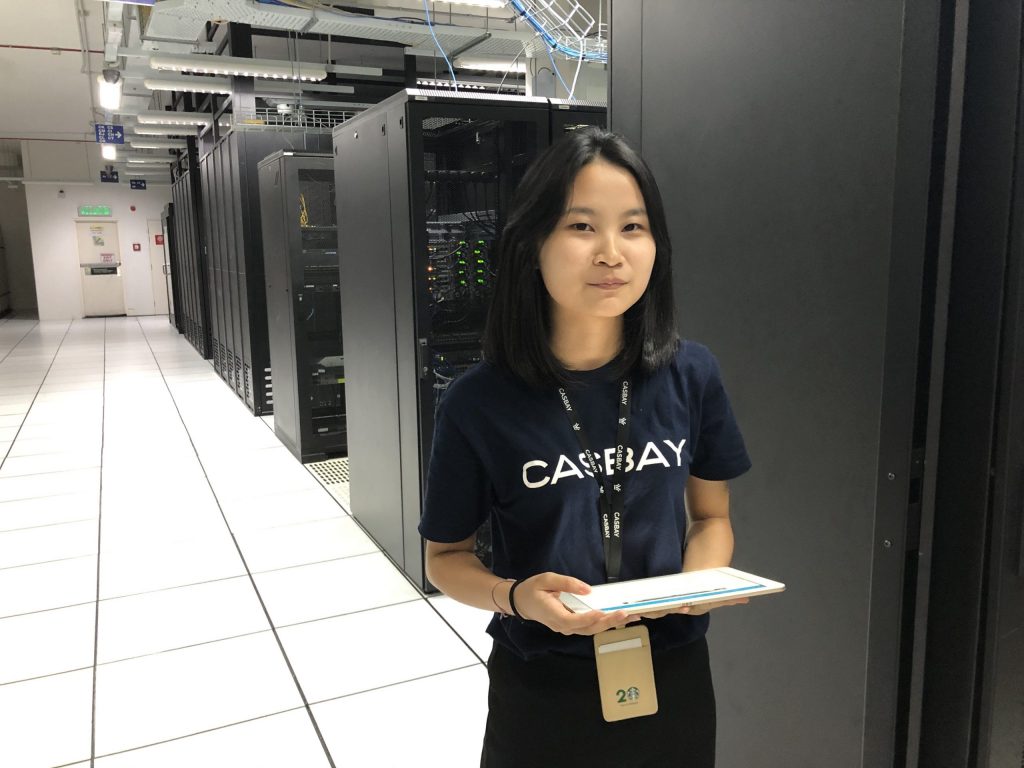
Server Uptime Guarantee
We keep servers uncrowded with fast network connections, so your Mac stays reachable.
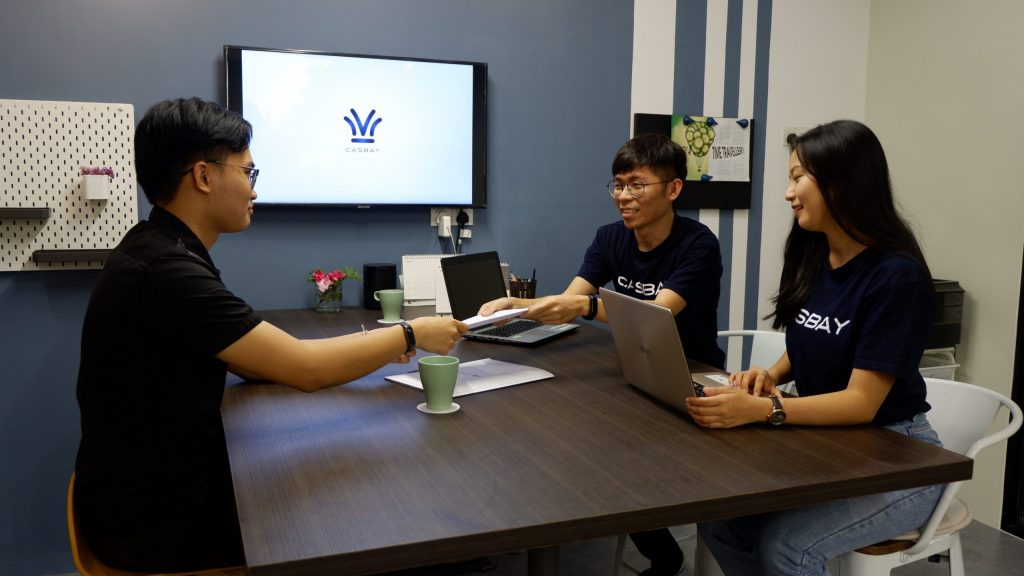
Customers Worldwide
Over 80,000 customers and domains trust us to help them grow online.


Build Your Support Ticket in One Tap
Pick what you need help with. We'll prepare your ticket and share a quick tip while you wait for our team.
1. What do you need help with?- Answered by real people, 24x7x365
- Track every reply in your helpdesk account
- Department
- Select a topic
- Subject
- Select a topic
Select a topic to preview your ticket details and view relevant information before submitting.
Mac Hosting: Frequently Asked Questions
Quick answers on access, billing, setup and support before you rent your dedicated Mac.
All Casbay Mac in cloud machines are hosted in our data centre in Malaysia.
Yes. A dedicated Mac mini supports iOS app development with Xcode and other tools in the Apple development ecosystem. You can build, test and manage your iOS projects remotely.
You can access your Mac remotely through DeskIn, macOS Screen Sharing or SSH using a Mac, Windows or Linux device. Follow our DeskIn connection guide or Screen Sharing connection guide for setup instructions.
Yes. You receive full administrator access to your dedicated Mac mini. This allows you to install software, change system settings and manage the macOS environment according to your requirements.
If your Mac mini needs a reboot, submit a support ticket and our team will assist with the restart.
Yes. A dedicated Mac mini can be used for CI/CD workflows, including build and testing pipelines. It supports tools such as GitHub Actions, Jenkins and other automation platforms compatible with macOS.
Yes. You can install and configure a self-hosted GitHub Actions runner on your Mac mini to run automated workflows in a macOS environment.
Yes. Multiple developers can be granted access to the same Mac mini. We recommend coordinating login sessions and system changes to avoid conflicts. If you require simultaneous remote connections, contact our support team to discuss the available options.
If your Mac mini becomes unavailable, contact our support team or submit a support ticket. Our Mac technical team will investigate the issue and assist with restoring access.
Mac mini provisioning usually takes between 12 and 24 business hours after your order has been confirmed.
Every Mac Hosting plan includes 24/7 monitoring and technical support for hardware and connectivity issues. You can contact our support team whenever you need assistance with these services.
Prohibited activities include illegal use, cryptocurrency mining, spam or unsolicited bulk email, malware distribution, attacks on third-party systems, and reselling or sub-leasing your Mac without approval. Activities that violate Apple's software licence terms are also not permitted. Violations may result in service suspension or termination. Please refer to our Terms of Service for the full requirements.
Still Have Questions About Your Cloud Mac?
Our Singapore friendly team works 24x7x365. Send us a ticket about your project and we'll recommend the right Mac mini.